
Automation Basics: Using Zapier and IFTTT to Save Hours Each Week
Stop manually moving data between apps. Learn to build workflows that handle repetitive tasks while you focus on what matters.

What Is Workflow Automation?
Here’s a scenario you’ve probably lived: You get an email, copy some information, paste it into a spreadsheet, then send a message to your team. It takes five minutes. You do it three times a day. That’s about 1,250 minutes yearly — over 20 hours — spent on something a tool could handle instantly.
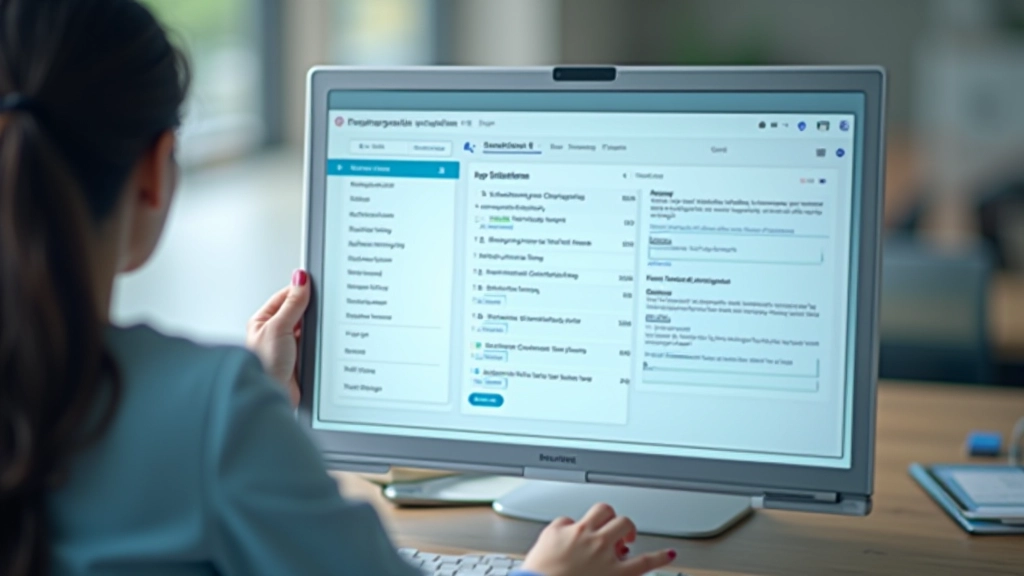
That’s where automation comes in. We’re not talking about complex programming or hiring developers. Tools like Zapier and IFTTT let you connect your favorite apps and create workflows that run automatically. You set up the rule once, and it works forever.
In Hong Kong’s fast-paced business environment, professionals are drowning in administrative tasks. Zapier and IFTTT are designed specifically for this — getting the tedious stuff out of your way so you can actually think about your work.
How These Tools Actually Work
Both Zapier and IFTTT operate on the same basic principle: if this happens, then do that. You connect two apps, set a trigger, and define an action.
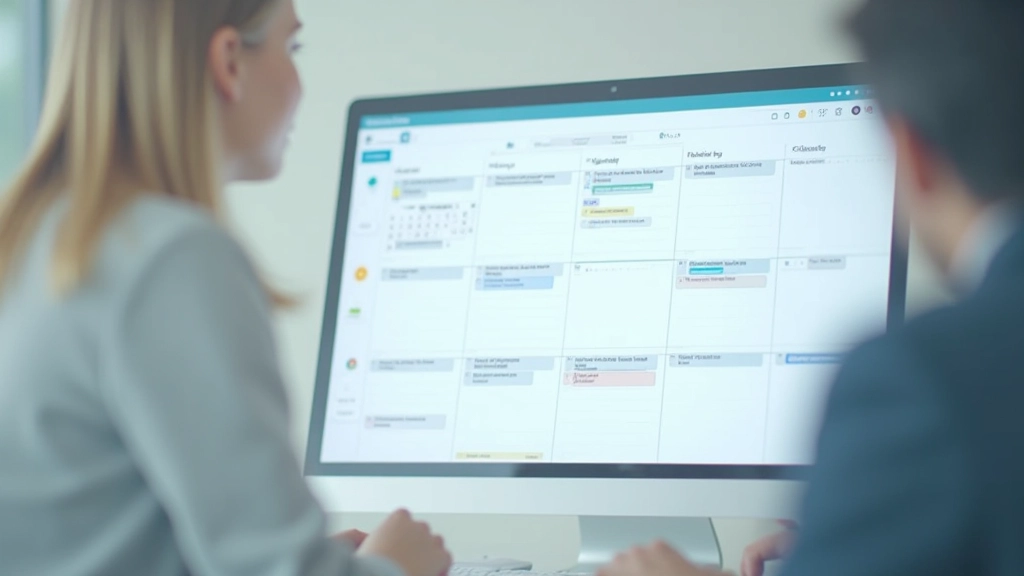
Let’s say you’re managing client projects. When a new task gets created in Asana, you could automatically add it to your Google Calendar. Or when you receive an email with a specific subject line, Zapier can create a row in your spreadsheet with the sender’s name and content.
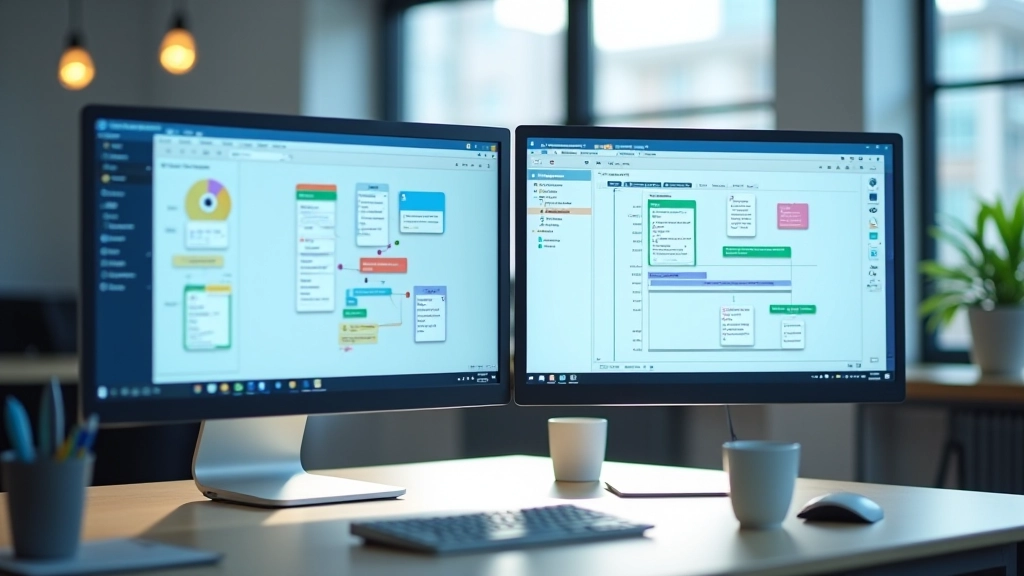
The difference? Zapier supports 6,000+ apps and handles more complex workflows. You can use multiple steps, add conditional logic, and filter data before it goes anywhere. IFTTT is simpler — great for basic automations but limited to fewer apps and straightforward if-then rules.
For most people starting out, IFTTT’s simplicity wins. But once you need to handle more intricate workflows — like transforming data or using multiple conditions — Zapier becomes essential.
About This Guide
This article provides educational information about workflow automation tools. It’s intended to help you understand how Zapier and IFTTT work and their potential applications. Your specific needs, technical setup, and business requirements may differ. We recommend testing automation workflows in a non-critical environment before rolling them out across your organization. Tool features, pricing, and capabilities change frequently — always verify current information on the official websites.

Real Workflows You Can Build Today
Let’s get specific about what you can actually automate right now, without any technical skills.
Email to Spreadsheet
When someone sends you an email to a specific address, Zapier automatically creates a row in your Google Sheet with the sender’s name, email, and message content. Takes about 3 minutes to set up. Now you’ve got a database instead of a cluttered inbox.
Slack Notifications
Whenever a new client fills out your contact form, get an instant notification in Slack. Your whole team sees it at the same time. No emails getting lost, no delays — just immediate visibility.
Social Media Backup
Every time you post on Instagram, automatically save the image and caption to a folder in Google Drive. You’re building a backup and archive without lifting a finger.
Getting Started: Your First Automation
The best way to understand automation is to build something. Here’s a workflow you can set up in about 5 minutes.
1
Sign Up
Go to Zapier.com or IFTTT.com. Free accounts let you build 2-5 automations. Start free.
2
Choose Your Trigger
Pick something you do repeatedly. “New email from my boss,” “Form submission received,” or “New file in Google Drive.”
3
Define the Action
What should happen when that trigger fires? Create a spreadsheet row, send a message, save a file. It’s that straightforward.
4
Test and Launch
Both tools let you test before going live. Once you’re confident, turn it on. It’ll run 24/7 without your involvement.

Why This Matters for Your Time
Save Real Hours
If you spend just 30 minutes a day on repetitive tasks, that’s 130 hours yearly. Automation cuts that dramatically.
Reduce Errors
Manual data entry is where mistakes happen. Automated workflows move information consistently, accurately, every single time.
Keep Systems Synced
Your CRM, spreadsheets, email, and calendar stay in sync automatically. No manual updates. No conflicting information.
Mental Clarity
You’re not worrying about whether you remembered to log that data or send that follow-up. The workflow handles it.
Tips for Automation Success
Don’t just build automations and forget about them. Here’s what works:
Start small and test thoroughly
Your first automation should be simple — something with low stakes. Once it’s running smoothly for a week, you’ll gain confidence to build more complex ones.
Document your workflows
Write down what each automation does and why. If you need to troubleshoot later — or explain it to a colleague — you’ll be grateful for the notes.
Monitor regularly
Check in monthly. Sometimes apps change their interfaces or APIs. Your automation might need a small adjustment.
Plan for data volume
If you’re automating something that happens hundreds of times daily, make sure your destination system (spreadsheet, database) can handle it without slowing down.
Your Next Step
Automation isn’t magic — it’s just pattern recognition. You’re identifying something you do repeatedly, then teaching a tool to do it for you. That’s it.
You don’t need to be technical. You don’t need to hire anyone. Both Zapier and IFTTT are built for regular people who want to save time. Start with one small workflow this week. Something you genuinely find tedious. Set it up, test it, and watch it work.
Once you’ve experienced how much time you get back, you’ll start seeing automation opportunities everywhere. That’s when things really change.
Want to dive deeper?
Explore our other guides on productivity tools and workflow optimization.
Explore More Guides